How to Remove Unused CSS: PurgeCSS, UnCSS, and Tree-Shaking
Remove unused CSS from your stylesheets using PurgeCSS, Tailwind's built-in purging, UnCSS, and webpack tree-shaking. Reduce CSS file size by up to 95%.
- css
- purgecss
- optimization
- web performance
- unused css
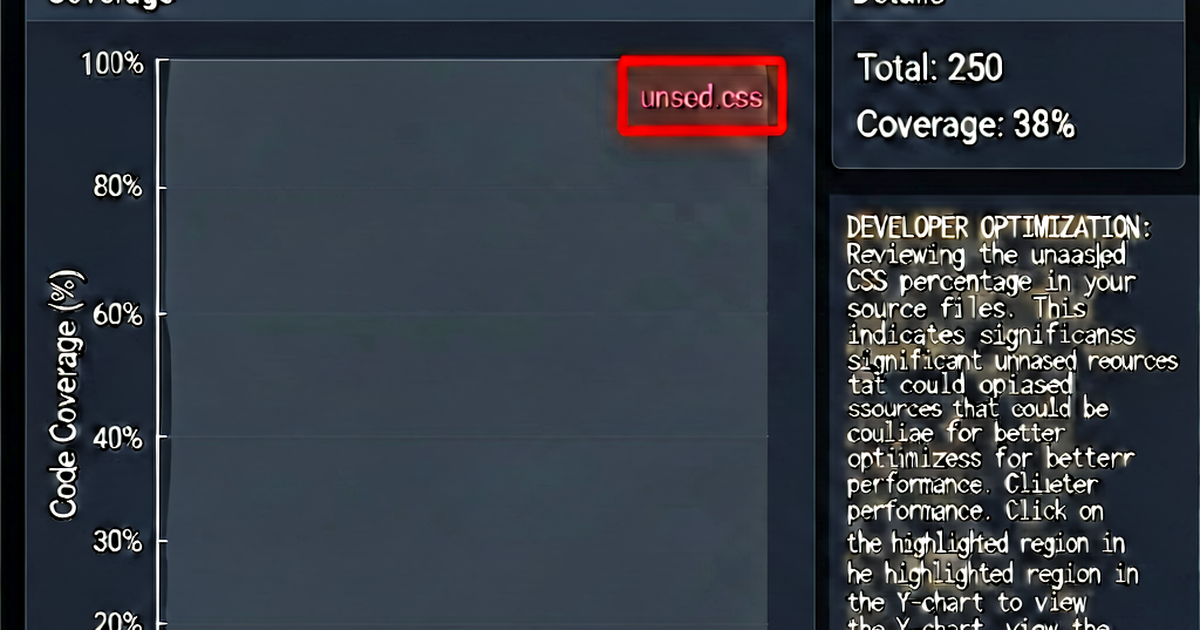

A CSS framework like Bootstrap ships ~190 KB of styles. Your site probably uses 5–10% of them. Removing unused CSS can slash your stylesheet from hundreds of kilobytes to a few kilobytes — one of the highest-ROI performance improvements available.
Why unused CSS accumulates
- Framework imports — importing all of Bootstrap, Tailwind, or Foundation when you use a fraction
- Component libraries — importing a full UI library but using 3 components
- Legacy code — styles for features that were removed but the CSS wasn’t
- Page-specific styles in a global bundle — dashboard styles loading on the homepage
PurgeCSS
PurgeCSS analyzes your HTML, JavaScript, and template files to find class names actually used, then removes all other CSS rules.
npm install --save-dev @fullhuman/postcss-purgecssWith PostCSS:
// postcss.config.js
module.exports = {
  plugins: [
    require('@fullhuman/postcss-purgecss')({
      content: [
        './src/**/*.html',
        './src/**/*.js',
        './src/**/*.jsx',
        './src/**/*.tsx',
        './src/**/*.vue',
      ],
      defaultExtractor: content => content.match(/[\w-/:]+(?<!:)/g) || [],
    }),
    require('cssnano')({ preset: 'default' }),
  ],
};
With webpack:
npm install --save-dev purgecss-webpack-plugin// webpack.config.js
const PurgeCSSPlugin = require('purgecss-webpack-plugin');
const glob = require('glob');
const path = require('path');
module.exports = {
plugins: [
new PurgeCSSPlugin({
paths: glob.sync(`${path.join(__dirname, 'src')}/**/*`, { nodir: true }),
}),
],
};Tailwind CSS — built-in purging
Tailwind includes tree-shaking out of the box. In tailwind.config.js, the content array tells Tailwind which files to scan:
// tailwind.config.js
module.exports = {
  content: [
    './src/**/*.{html,js,jsx,ts,tsx,vue,svelte}',
    './public/**/*.html',
  ],
  theme: { extend: {} },
  plugins: [],
};
In production (NODE_ENV=production), Tailwind scans these files and removes any utility class not found in them. An unconfigured Tailwind build is ~3.8 MB; after purging, a typical project is 5–50 KB.
Important: Tailwind uses a content-matching strategy, not CSS parsing. It looks for strings in your source files that match class names. If you construct class names dynamically:
// This won't work — Tailwind can't statically find the full class name
const color = 'red';
const cls = `text-${color}-500`;

// This works — full class names present in source
const cls = condition ? 'text-red-500' : 'text-blue-500';
Add dynamically constructed classes to the safelist:
module.exports = {
  safelist: ['text-red-500', 'text-blue-500', /^bg-/],
};
UnCSS
UnCSS renders pages in a headless browser and detects which styles apply. This catches dynamically added classes that static analysis misses.
npm install --save-dev uncss// uncss via API
const uncss = require('uncss');
const options = {
stylesheets: ['styles.css'],
ignore: [/\.js-/, /\.is-active/], // patterns to always keep
};
uncss(['index.html', 'about.html'], options, (error, output) => {
if (!error) console.log(output);
});UnCSS is slower (requires a browser render) but more accurate for JavaScript-heavy sites.
Coverage DevTools
Before adding tooling, identify how much unused CSS you have:
- Open Chrome DevTools
- Press
Ctrl+Shift+P→ type “Coverage” - Click the record button, reload the page, stop recording
- Click any CSS file to see which lines are used (green) vs. unused (red)
- Export the coverage report
This gives you a precise unused-CSS percentage and shows which selectors to target.
Safelist: don’t purge too aggressively
PurgeCSS can remove CSS that is added dynamically (via JavaScript, third-party widgets, or user interaction). Common patterns to preserve:
// postcss.config.js — safelist examples
module.exports = {
  plugins: [
    require('@fullhuman/postcss-purgecss')({
      content: ['./src/**/*.{html,js}'],
      safelist: {
        standard: ['html', 'body'],
        deep: [/^modal/, /^tooltip/, /^dropdown/],
        greedy: [/swiper/, /slick/],  // third-party sliders
      },
    }),
  ],
};
Results to expect
| Scenario | Before | After | Reduction |
|---|---|---|---|
| Bootstrap + site CSS | 190 KB | 15–40 KB | 80–90% |
| Tailwind (unconfigured) | 3.8 MB | 5–50 KB | 98–99% |
| Custom CSS with legacy | 80 KB | 20–40 KB | 50–75% |
| Already lean custom CSS | 30 KB | 20–28 KB | 10–30% |
Minify after purging
After removing unused CSS, run a minifier to compress what remains:
// postcss.config.js — purge then minify
module.exports = {
  plugins: [
    require('@fullhuman/postcss-purgecss')({ content: ['./src/**/*.html'] }),
    require('cssnano')({ preset: 'default' }),
  ],
};
Or paste the purged output into cssminify.io for quick compression.

Related reading
-
How to Minify CSS: Every Method Explained
Minify CSS files using online tools, build tools (webpack, Vite, Gulp), npm packages (cssnano, clean-css), and CLI commands. Covers all major workflows.
-
CSS Optimization Techniques: A Practical Guide
A practical guide to CSS performance: minification, critical CSS, unused CSS removal, efficient selectors, custom properties, and modern techniques for faster rendering.
-
CSS File Too Large? How to Diagnose and Fix It
Debug an oversized CSS bundle: find unused styles with Chrome Coverage, identify bloated selectors, tree-shake framework CSS, and measure the real impact.